
Check every entryNormal, Gold, Gummy, Galaxy and more
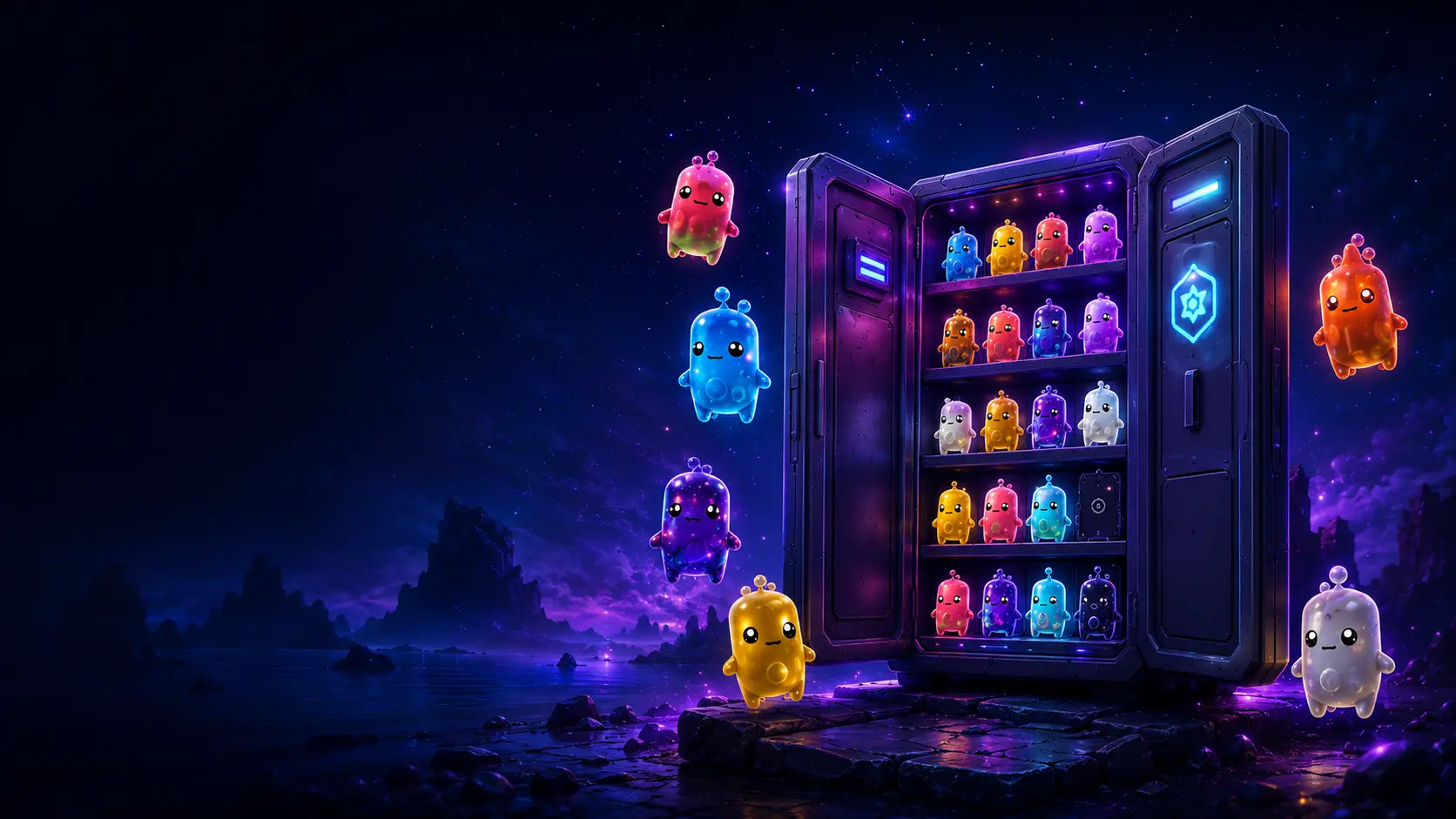
Updated collection checklist
Fortnite Sprite Checklist
Use this Fortnite Sprite checklist to check off every currently verified Sprite and collectible variant. Your progress saves privately in this browser, no Epic Games sign-in is required, and the complete list can be printed or saved as a PDF.
25 named Sprites117 listed variants2026-08-09 data review
Private browser storageNo account connectionMobile ready
One verified listVersioned data and release states
Save or printMake a paper copy or browser PDF
0%
Saved automatically on this deviceData 2026.08.09 · verified 2026-08-09
Water Sprite
RareReplenishes shields for you and nearby squadmates while in water.
Earth Sprite
RareMay reveal extra rare items when you open chests.
Fire Sprite
RareReleases a fiery burst after you deal enough damage.
Fishy Sprite
RareIncreases swim speed and boosts movement while under fire.
Air Sprite
RareIncreases sprint speed and jump height while equipped.
Duck Sprite
EpicEmoting and jamming replenish your shields.
Ghost Sprite
EpicBriefly cloaks you when you reload.
Demon Sprite
EpicSiphons health and shields after eliminations.
King Sprite
EpicMakes your pickaxe deal more damage.
Aura Sprite
EpicGrants a Shock Rock charge after enough damage.
Striker Sprite
EpicTriggers Overdrive when you mantle or hurdle.
Dream Sprite
LegendaryGrants a random item each level and legendary loot at max level.
Punk Sprite
LegendaryOffers a chance for an infinite-ammo effect.
Boss Sprite
LegendaryBoosts your maximum Health and Shield.
Seven Sprite
LegendaryReveals enemy foot trails for you and nearby squadmates.
Grim Reaper Sprite
MythicMarks players who damage you and reveals their location.
Zero Point Sprite
MythicCreates a Shield Bubble Jr. when you heal.
Burnt Peanut Sprite
MythicMay award extra or Mythic loot after eliminations.
Batman Sprite
MythicLets you deploy the Bat Cape midair and improves rare-Sprite finds from chests.
Pollo Sprite
MythicSlowly replenishes shields for you and nearby squadmates after an elimination.
Vini Jr. Sprite
MythicMakes slides destructive after sprinting; slide-kicks improve fire rate and reload speed.
Llama Sprite
LegendaryOpening Ammo Boxes has a chance to upgrade your weapon.
Peely Sprite
LegendaryMarks nearby rare Sprite variants or enemies carrying them, while also revealing your location.
John Wick Sprite
MythicKnocking or eliminating a player briefly reveals other nearby enemies.
Ironmouse Sprite
MythicRegenerates health over time when low; while regenerating, grants Cloak and low gravity.
Collection data changes with live Fortnite updates. Entries marked unconfirmed are shown for transparency but cannot be checked until reliable in-game or official confirmation is available. This fan-made checklist does not connect to an Epic Games account.

How to use the list01 02 03
Turn the full Sprite collection into a clear next step
This collection checklist is most useful when it answers two questions immediately: which exact collectibles have you already secured, and which ones should you look for next? Start by comparing the checklist with your collection in Fortnite. Check the precise Sprite-and-variant combination rather than marking only the base companion. A Normal Water Sprite and a Gold Water Sprite are separate collectible entries, so each receives its own box.
Your selections save automatically on this device. That makes the interactive list convenient between matches: open it, check the collectible you just banked, and filter your next decisions without taking screenshots of an outdated list. The page does not request an Epic Games password, account token, player name, or locker connection. It is a manual collection aid designed to keep private progress simple.
Review your current collection
Open your in-game collection and match each named Sprite with the correct visual treatment.
Check the exact variant
Select only entries you have successfully secured. Unconfirmed releases remain disabled.
Plan what remains
Use unchecked entries as a focused hunt list or continue in the full tracker for rarity filters and mastery.
What is included in this Fortnite Sprite checklist?
Named Sprites and separate variants
The collection checklist begins with the named companion, then breaks its collection into the variants currently represented by the verified dataset. The list includes Normal treatments and, where applicable, Gold, Gummy, Galaxy, Gem, Holofoil, and special variants. This structure matters because collecting a base Sprite does not automatically mean every treatment is complete. A collector pursuing 100 percent needs to record each available combination independently.
The number of entries can change after a live update. For that reason, the total shown at the top comes from the same versioned data used to build the cards. It is not a number manually copied into several sections. The data date and version remain visible beside the checklist so a player can judge whether a newly announced item has completed verification.
Availability and verification states
Not every name circulating through social posts, videos, or datamining is immediately treated as collectible. The page distinguishes currently available entries from coming-soon, unavailable, and unconfirmed information. A disabled check box means the entry is being shown for transparency but should not yet be counted as a collectible target.
Fortnite changes quickly, and information published before a hotfix may become wrong within hours. Official Fortnite information is the preferred source for game mechanics and confirmed releases. Reliable in-game observations and multiple established community sources may support details that Epic has not documented in a complete public table. Rumors and single unverified claims are not promoted to confirmed status.
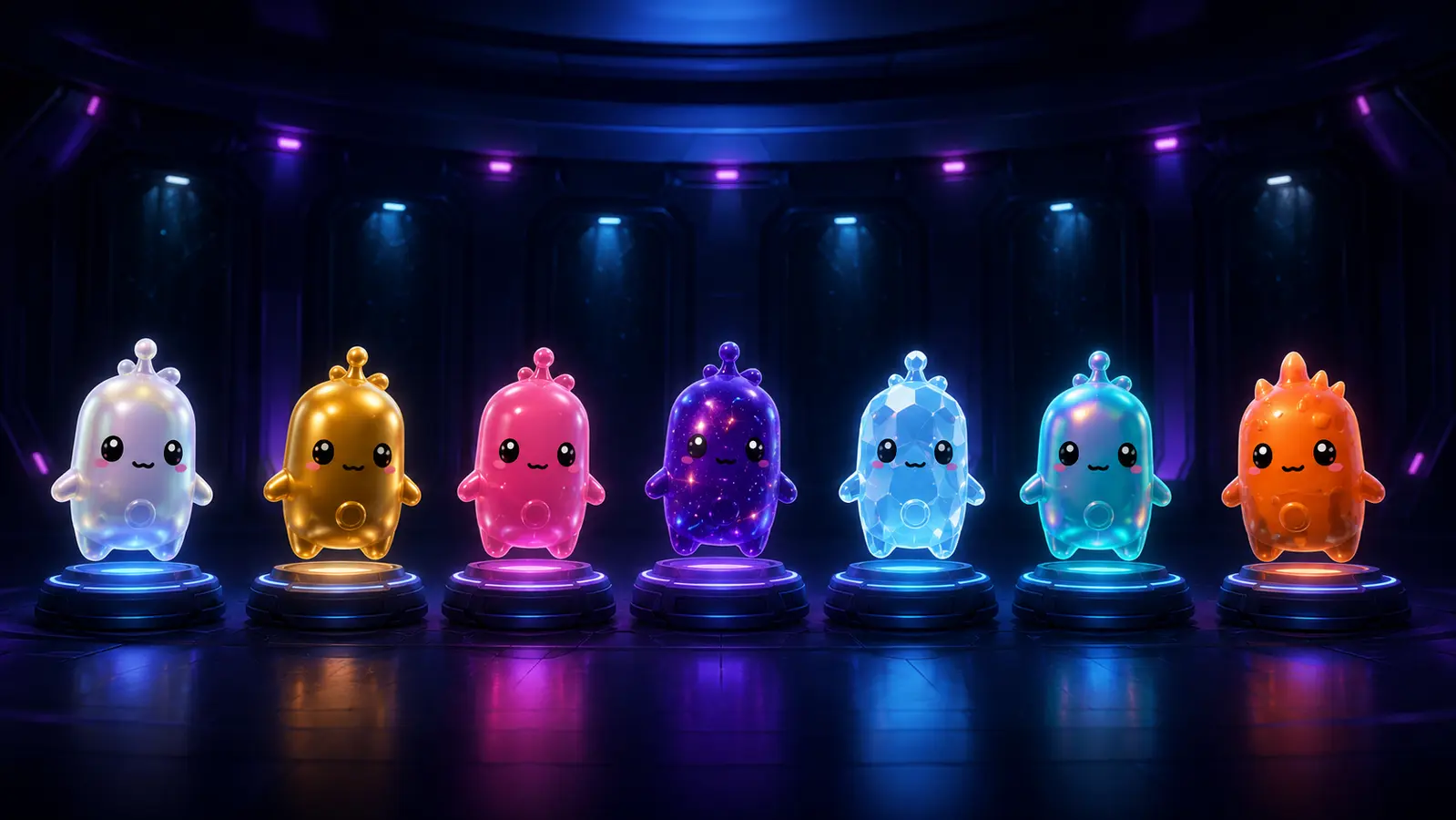
Variant checklist
Why every Sprite variant needs its own box
A variant keeps the identity of its named Sprite while changing its collectible treatment and, in some cases, adding a variant bonus. That is why this page does not collapse Gold, Gummy, Galaxy, Gem, Holofoil, or Quack into one generic “owned” state. Separate boxes make the remaining collection visible and prevent a base unlock from being mistaken for full completion.
How to keep the checklist accurate
Only check secured collectibles
Finding or carrying a Sprite during a match is not always the same as permanently adding it to the collection. Check the entry only after the game confirms the relevant bank, extraction, or unlock. If a match ends before that confirmation, leave the item unchecked and keep it on the hunt list.
Match the visual treatment
Names can be easier to remember than treatments, especially during a quick encounter. Compare the image and variant label before marking the box. Gold, Gummy, Galaxy, Gem, Holofoil, and special treatments count separately in this collection list.
Use the tracker for deeper progress
The checklist provides a fast checked-or-missing workflow. The homepage tracker adds Owned and Mastered states, search, rarity filters, a next-match hunt plan, sharing, PNG export, and a versioned JSON backup for collectors who need more detail.
Data transparency
This page uses dataset version 2026.08.09, reviewed 2026-08-09. Fortnite is a live service, so availability and mechanics can change. See the data methodology and update log, or send evidence-backed corrections to support@fortnitespritetracker.org.
Questions answered
Fortnite Sprite checklist FAQ
Is this Fortnite Sprite checklist updated?
Yes. The checklist displays its data version and verification date beside the interactive list. Because Fortnite is a live game, newly announced Sprites remain unconfirmed until reliable official or in-game evidence is available.
How many entries are on the Fortnite Sprite checklist?
Version 2026.08.09 contains 25 named Sprites and 117 Sprite-and-variant entries. Entries whose release is not confirmed remain visible but are not counted as currently collectible.
Does checking a box change my Fortnite account?
No. The checklist is an independent browser tool. It does not connect to Epic Games, read your locker, or change anything in the game.
Where is my checklist saved?
Your check marks are stored in local browser storage on the device you are using. No account is required. Clearing browser data may remove them, so use the main tracker JSON backup if you need a portable copy.
Can I print the Fortnite Sprite checklist?
Yes. Select Print or save PDF above the checklist, or open the dedicated printable page for a cleaner paper layout. Most browsers can print to paper or save the result as a PDF.
What is the difference between a Sprite and a variant?
A Sprite is the named companion with its core power. A variant is a separately collectible treatment such as Normal, Gold, Gummy, Galaxy, Gem, Holofoil, or Quack.
What do Owned and Mastered mean?
Owned records that you successfully banked or extracted that exact collectible. Mastered is a separate progression goal available in the full tracker. This checklist focuses on a simple checked or missing state.

Need mastery, filters, and a hunt plan?
Keep this simple checklist for quick collection checks, or open the complete tracker to manage Owned and Mastered progress.
Open the full tracker